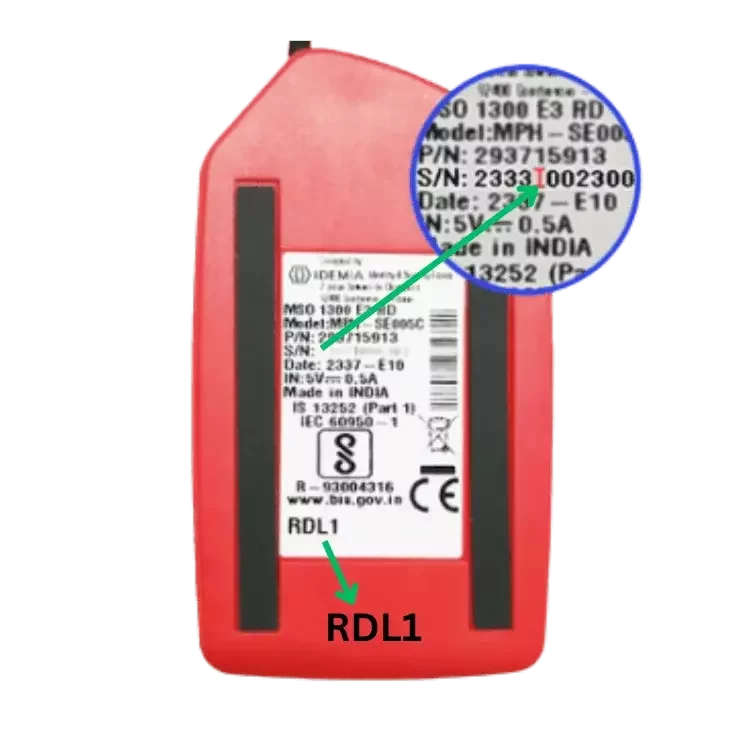
Morpho L1 RD
RD Service Validity 1/2/3 year
Rs.475/1Year
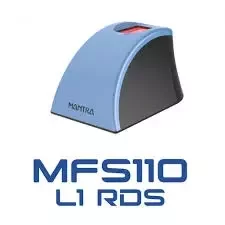
Mantra L1 RD
1 Year RD Service Validity
Rs. 343/1Year
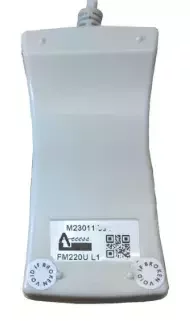
Startek L1 RD
1Year Or Life Time validity
Rs. 339/1Year
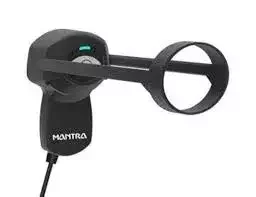
Mantra RD
1 Year Validity
Rs. 335/1Year
Whitelisting RD Service
Whitelisting Services provides RD Service whitelisting, registration, recharge, renewal, and activation assistance for supported biometric devices, including Morpho L1, Mantra L1, Startek L1, and PB1000 L1.
RD Service whitelisting helps eligible biometric devices complete the required registration and authentication process through the relevant Original Equipment Manufacturer (OEM) system. Customers can submit their device serial number and required details to request whitelisting or activation assistance.
Our online service is designed to simplify the submission process for supported devices used with compatible Aadhaar-based authentication applications, banking services, eKYC, and other authorized platforms. Processing time depends on device eligibility, registration status, and OEM server availability.
Morpho RD Service
Whitelisting Services provides Morpho L1 RD Service Validity recharge, renewal, and activation assistance for supported biometric devices. Submit your correct device serial number and required details to request whitelisting processing through the relevant OEM system. Morpho L1 RD Service supports compatible biometric authentication applications, subject to device registration, validity, and OEM requirements. Our online process helps simplify your request, while processing and activation times depend on device eligibility and OEM server availability.
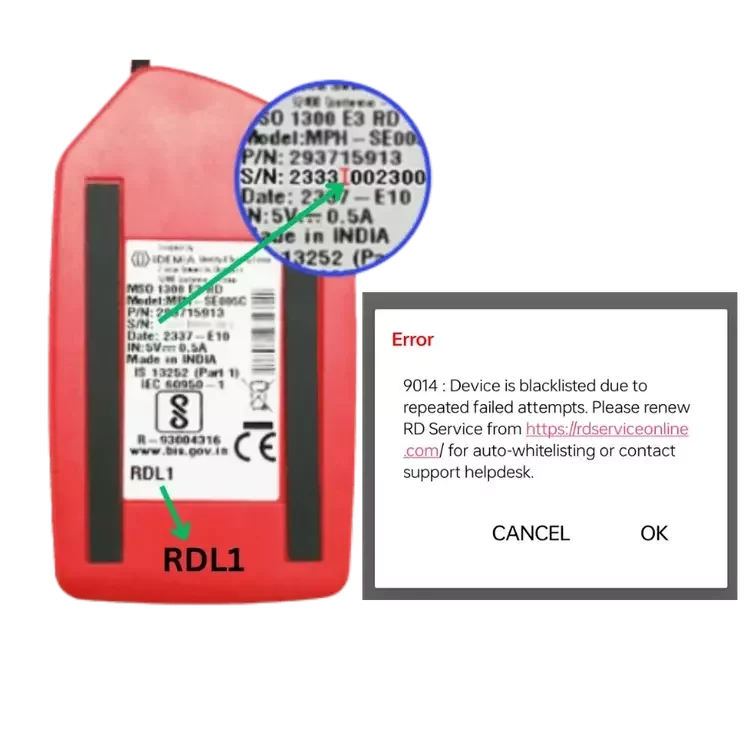
Morpho Device is Blacklisted
If your Morpho biometric device displays a “Blacklisted” error, the device may be restricted by the relevant OEM system. Check your device serial number, RD Service registration status, and error details to identify the issue. Whitelisting Services provides assistance with Morpho RD Service status verification and whitelisting enquiries for eligible devices. Submit your device details for review and guidance on the next steps. Removing a blacklist restriction depends on the reason for the restriction and approval from the relevant OEM. RD Service recharge alone may not resolve a blacklisted device.
Mantra L1 RD Service
Mantra RD Service Whitelisting Services provides whitelisting, registration, recharge, and activation assistance for supported Mantra L1 biometric devices. Submit your device serial number and required details to request processing through the relevant OEM system. Activation depends on device eligibility, OEM verification, and server availability.
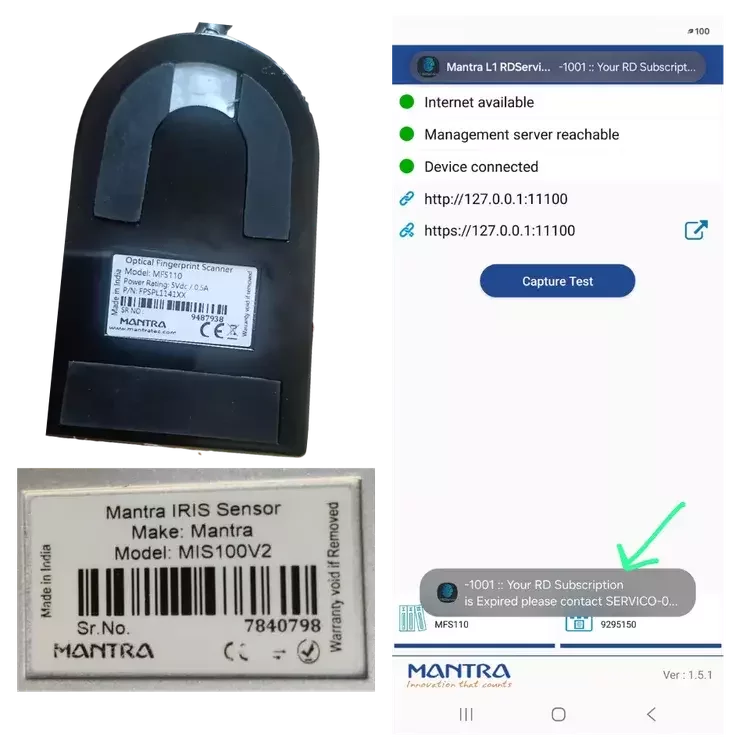
Mantra Error 1001
How to Fix Mantra RD Service Error 1001
Check RD Service Validity: Ensure your Mantra RD Service subscription is valid.
Verify Whitelisting: Check whether your device is registered with the OEM management system.
Reconnect Device: Disconnect and reconnect the mantra device, then restart your PC or mobile.
Update Drivers: Install the correct Mantra L1 or L0 RD Service application and compatible drivers.
Contact Support: If Error 1001 persists, contact Mantra technical support for device verification and troubleshooting.
Note: Recharge alone may not resolve the error if the issue is related to device registration or another OEM restriction.
Startek RD Service
Whitelisting Services provides Startek L1 RDService Validity, recharge, renewal, and activation assistance for supported biometric devices. Submit your correct device serial number and required details to request whitelisting processing through the relevant OEM system. Startek L1 RD Service supports compatible biometric authentication applications, subject to device registration, validity, and OEM requirements. Our online process helps simplify your request, while processing and activation times depend on device eligibility and OEM server availability.
FM220 U L1 RD Service
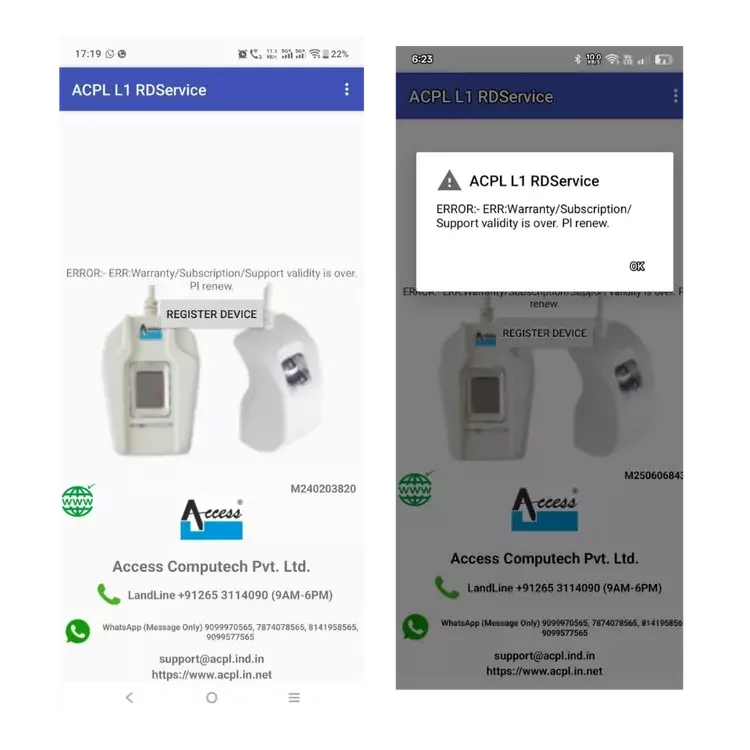
If your Startek L1 biometric device displays a “ERR:Warranty/Subscription/Support Validity Is Over” error, the device may be restricted by the relevant OEM system. Check your device serial number, RD Service registration status, and error details to identify the issue. Whitelisting Services provides assistance RD Service status verification and whitelisting enquiries for eligible devices. Submit your device details for review and guidance on the next steps. Removing a blacklist restriction depends on the reason for the restriction and approval from the relevant OEM. RD Service recharge alone may not resolve a blacklisted device.
RD Service
Recharge RD Service means renewing your biometric device’s Registered Device (RD) Service subscription so it can continue working with supported Aadhaar authentication, CSC, eKYC, and other authorized services.
Recharge RD Service Renewal
How to Renew Your Biometric RD Service Online
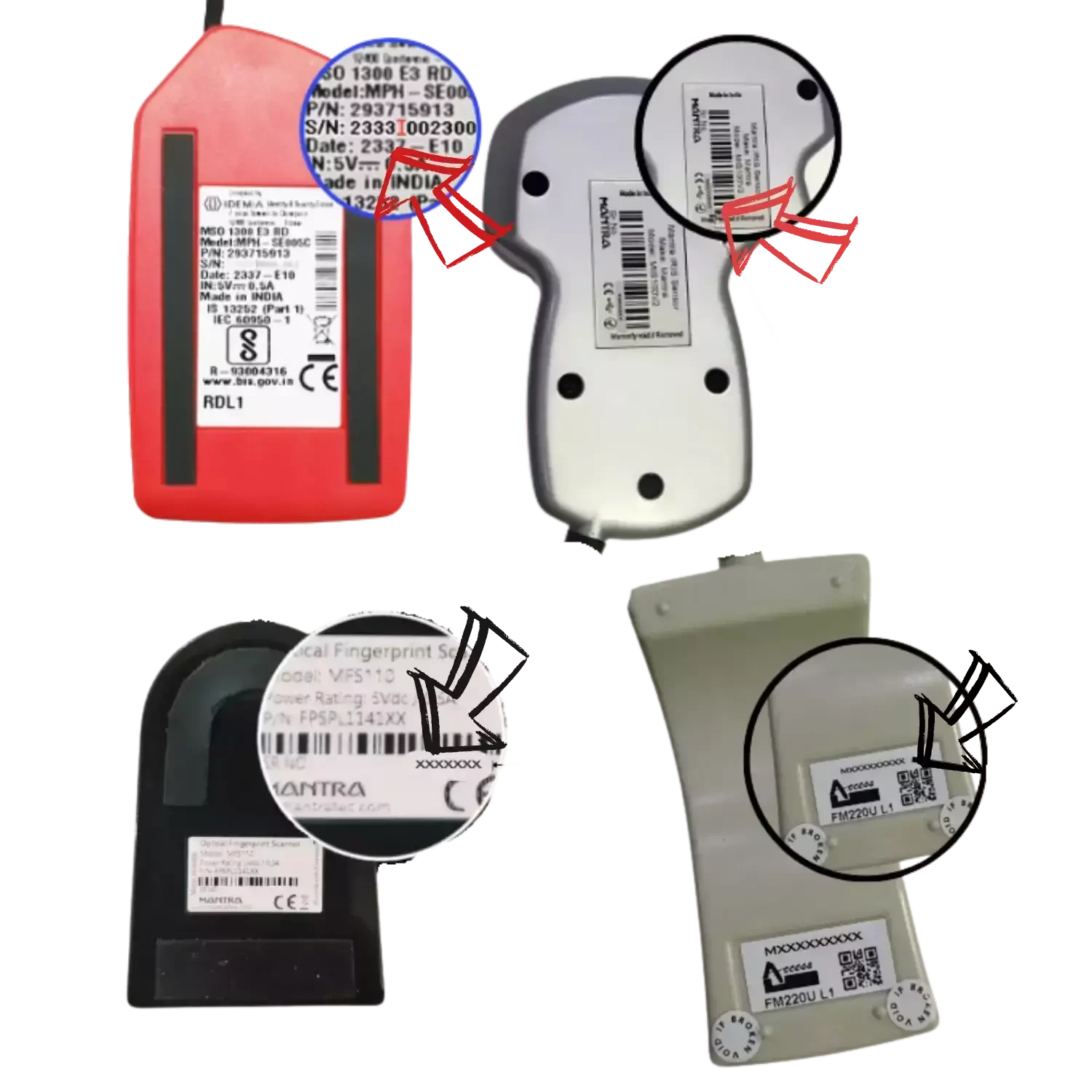
Check Device Details: Check the back of your biometric device to identify its brand and model, such as Morpho MSO 1300 E3 L1, Mantra MFS110, Startek FM220U L1, or PB1000.
Find the Serial Number: Locate the Serial Number (S/N) printed on the back of your device or displayed in the RD Service application under Device Info.
Open the Renewal Form: Visit the relevant RD Service renewal page for Morpho, Mantra, Startek, or your supported device model.
Select RD Service Validity: Choose an available validity period, such as 1 year, 2 years, or 3 years, depending on device and service eligibility.
Check the Price: Review the applicable renewal or recharge fee before proceeding. Prices vary by device model and service type.
Complete Payment: Pay using an available payment method, such as UPI, debit card, or net banking.
Wait for Activation: After payment, check your order status and allow time for processing and OEM server verification. Activation time varies and is not always instant.
Important: Enter the correct device serial number and model details to avoid processing issues. Blacklisted, unsupported, or ineligible devices may require additional verification and may not be activated through renewal alone.